GoVideo – Your AI Video Creation Tool
Transform your ideas into stunning videos with GoVideo using just text prompts, images, and clips. Create quick content for any platform!
Discover Powerful AI Video Tools
Explore our cutting-edge AI models designed to simplify video creation, editing, and enhancement for all users.

ai image
ai image



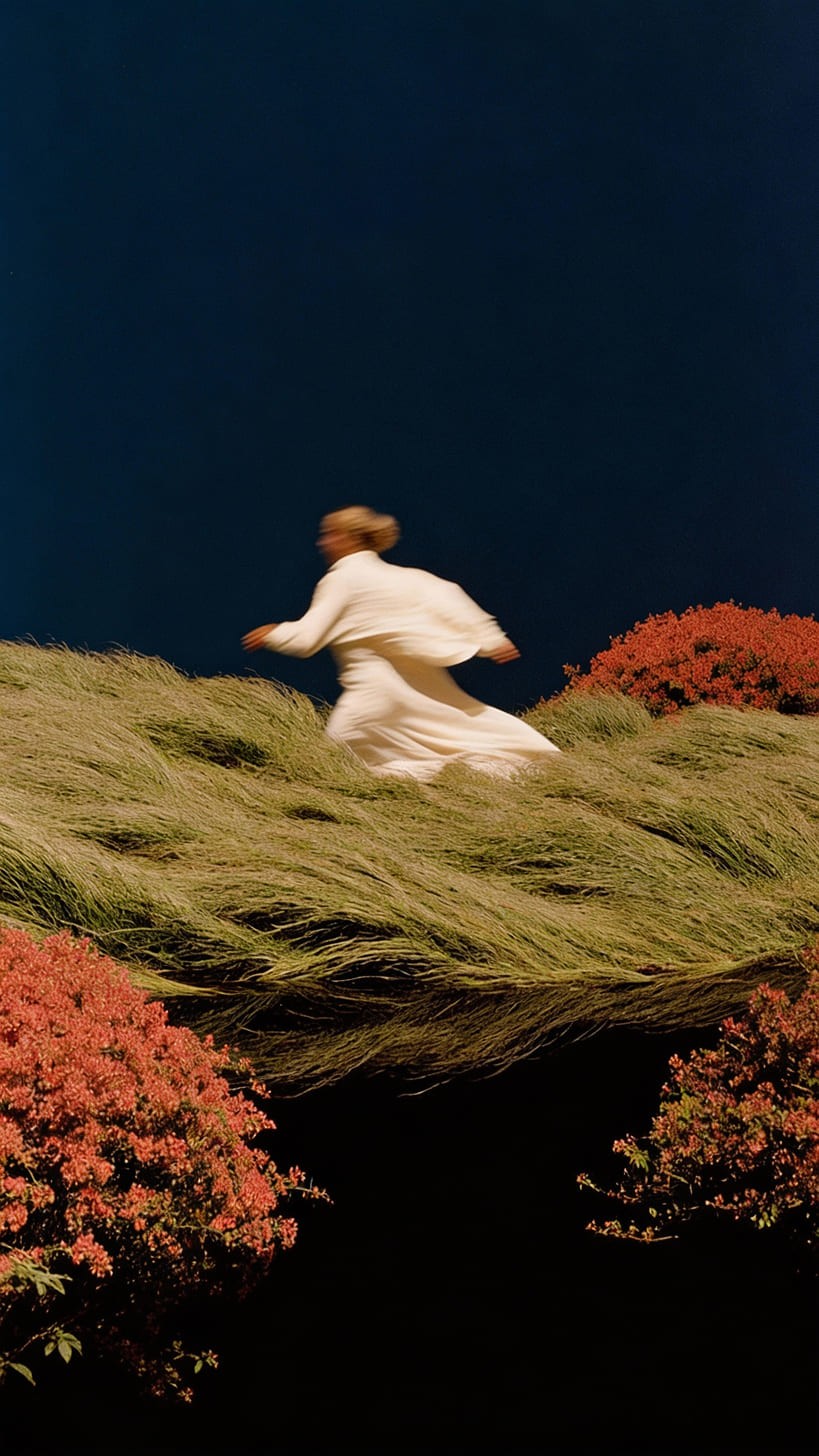







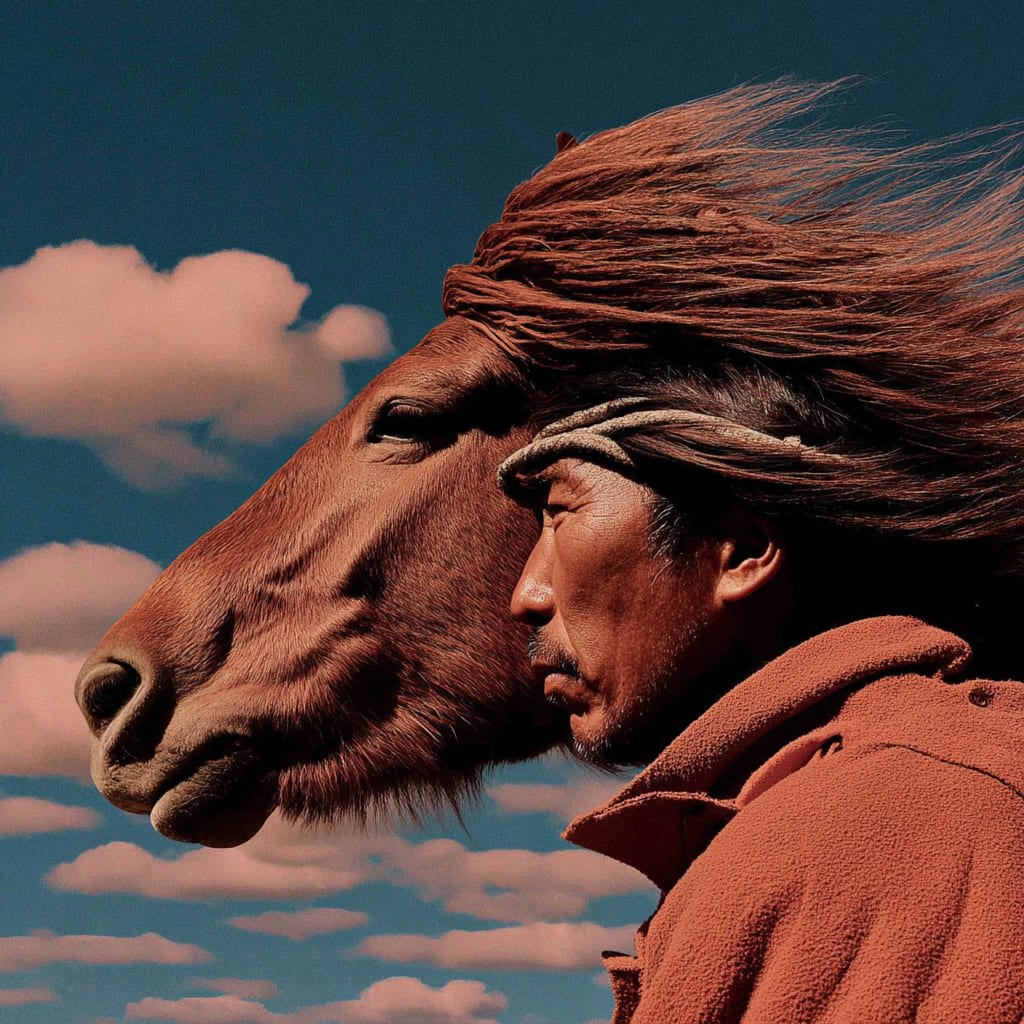

Sora Alternative With More Top Models
Sora Alternative gives you Seedance 2.0, Veo 3.1, Wan 2.5, Grok Video, and more so you can choose the right AI video model for every prompt.
One Sora Alternative, Many Video Styles
Use Sora Alternative for cinematic ads, social clips, product demos, anime scenes, and branded marketing videos without switching tools.
Faster Workflow Than Single-Model Tools
Sora Alternative lets you compare models, switch instantly, and keep creating when one model is busy or not the right fit.
Commercial-Ready AI Video Output
Create polished AI videos with Sora Alternative for agencies, creators, and teams that need fast browser-based production.
How to Use GoVideo
Step 1: Upload Your Media
Upload images or videos that inspire your project. GoVideo can use these as references.
Step 2: Describe Your Vision
Write a clear prompt detailing what video elements you want. GoVideo will interpret your text.
Step 3: Generate Your Video
Hit the generate button and watch GoVideo create your custom video instantly!
Frequently Asked Questions about GoVideo
What is GoVideo?
GoVideo is an AI platform that enables users to create and edit videos quickly.
How do I create a video?
Simply upload your media, write a prompt, and generate your video!
Can I use GoVideo on mobile?
Yes! GoVideo works seamlessly on any device, including smartphones.
What types of videos can I make?
You can create promotional videos, social media clips, tutorials, and more.
Is there a subscription fee?
GoVideo offers various pricing plans. Check our pricing page for details.
Can I edit generated videos?
Absolutely! GoVideo allows for easy editing after video generation.
Start Creating with GoVideo Today
Bring your video ideas to life in just minutes. Upload, describe, and let GoVideo do the work.