

Make the APT duo yours
Two familiar faces. One bright pink stage. Upload a photo of yourself and a friend to create a 15-second APT-style performance, with the reference clip guiding the movement and cuts. The video shown here is the template reference, not a result generated from your photos.
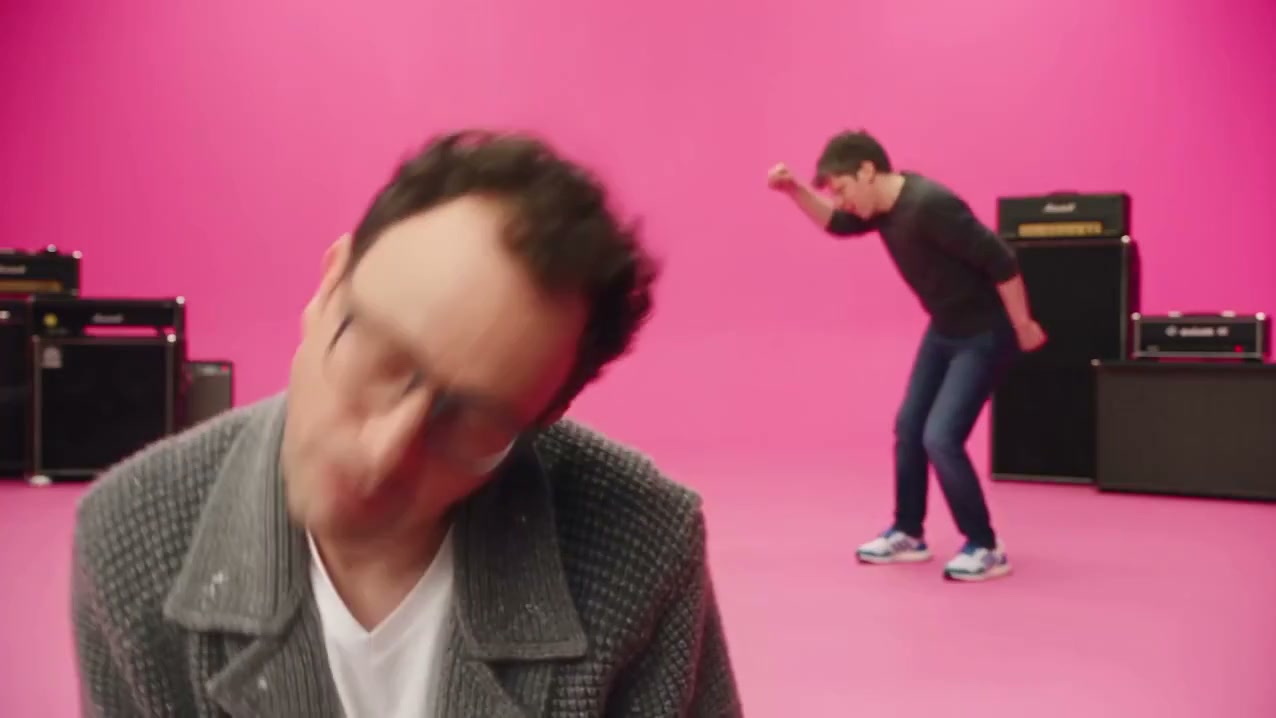
Choose the two people in the spotlight
Try a best-friend duo, a couple, or two original characters. Upload one clear person per image. Photo 1 takes the gray-jacket performer's role; photo 2 takes the black-shirt performer's role. Those assignments follow the performers across the reference clip, even when they change sides.
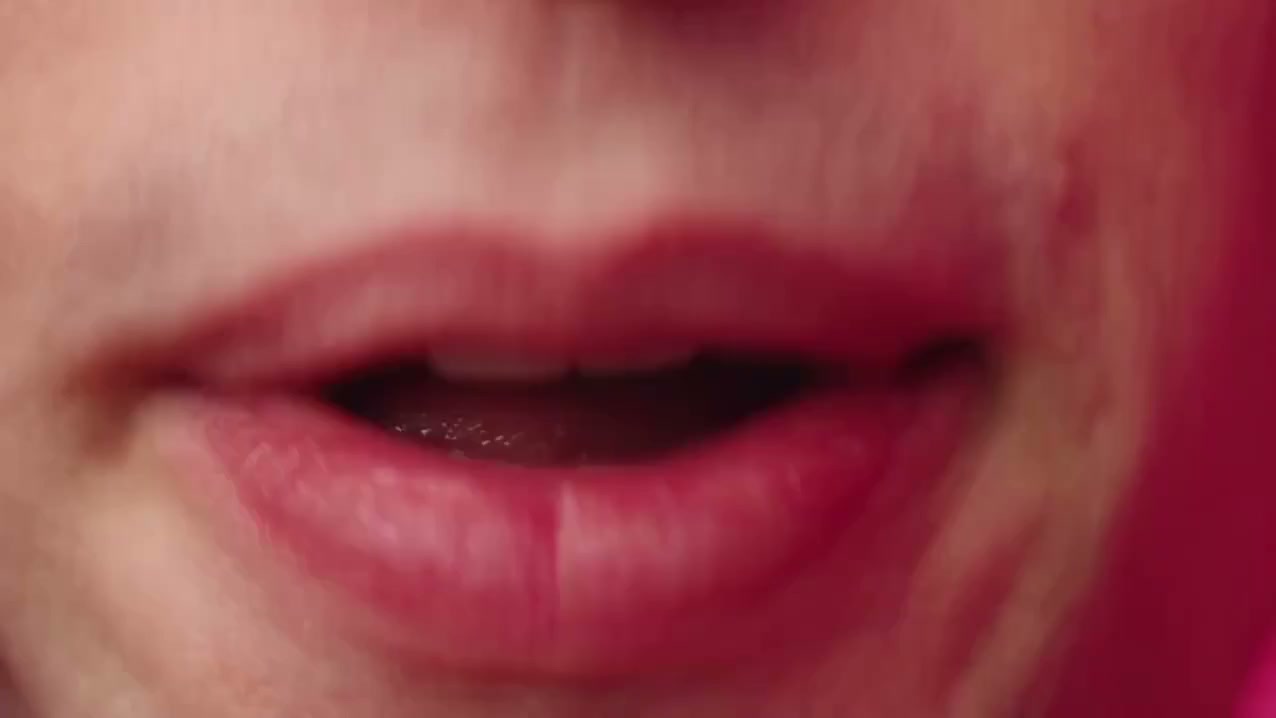
Follow the pink-studio performance
The reference supplies the pink set, drums, amplifiers, gestures and edit. You do not need to film a dance or write a prompt. The template is set to 15 seconds, 720p and horizontal 16:9, with audio enabled. These stills show the reference; generated faces, motion and sound can vary.
From two photos to your APT duet
1. Add two clear photos
Use separate JPG or PNG photos with one well-lit person in each. Keep faces visible and avoid heavy filters. The first slot starts on the left in the preview; the second starts on the right.
2. Check the cost and generate
Log in and review the credit cost on the Generate button. The scene, prompt and 15-second duration are already configured. Submit once and wait for the task to finish.
3. Review and download
Check both faces and their roles after each cut, then download the result. If you leave the page, find the task in History. Review the audio before sharing your clip.
Plans & Pricing
AI APT video questions
What is the AI APT video trend?
It is a two-person character-replacement take on the pink-studio look associated with APT. by ROSÉ and Bruno Mars. This page uses a prepared AI reference clip and two uploaded photos to create your own version. It is an independent tool, not an official artist collaboration.
Which photo goes with which performer?
Photo 1 replaces the person in the gray jacket and glasses, on the left in the opening preview. Photo 2 replaces the person in the black T-shirt, on the right. The template asks the model to keep these roles consistent when the performers move or the camera cuts.
What photos should I upload?
Use JPG or PNG images with one clearly visible person per photo. Choose sharp, evenly lit portraits or upper-body photos, at least 300 × 300 pixels. Avoid group shots, extreme crops, covered faces and heavy filters. The page compresses photos before upload.
How long is the video, and how many credits does it use?
This template creates a 15-second video at 720p in horizontal 16:9. The current cost is 1500 credits. Check the Generate button after logging in for the latest quote; if pricing changes, refresh the page before submitting.
Do I need to upload music or write a prompt?
No. The reference video and built-in prompt are already configured, and audio is enabled. The model is asked to follow the reference sound, but exact reproduction of the original recording is not guaranteed. Listen to the result before sharing.
Where can I find my result?
The result appears in the preview area when generation finishes and is also available in History. If a connection drops after submission, check History before starting another task. Each new generation uses credits.
Who is joining your APT duo?
Pick two clear photos and let the pink-studio reference guide the performance. Your next duet starts above.


