GPT Image 2 — OpenAI's Marketing Image AI Generator
Turn campaign briefs into publish-ready visuals with GPT Image 2. OpenAI GPT Image 2 ships near-perfect text rendering on images, pixel-level product photo editing, and ~3 second output — built for creators, e-commerce sellers, and small marketing teams who need ad creative AI that ships every day.
Near-perfect text rendering on images
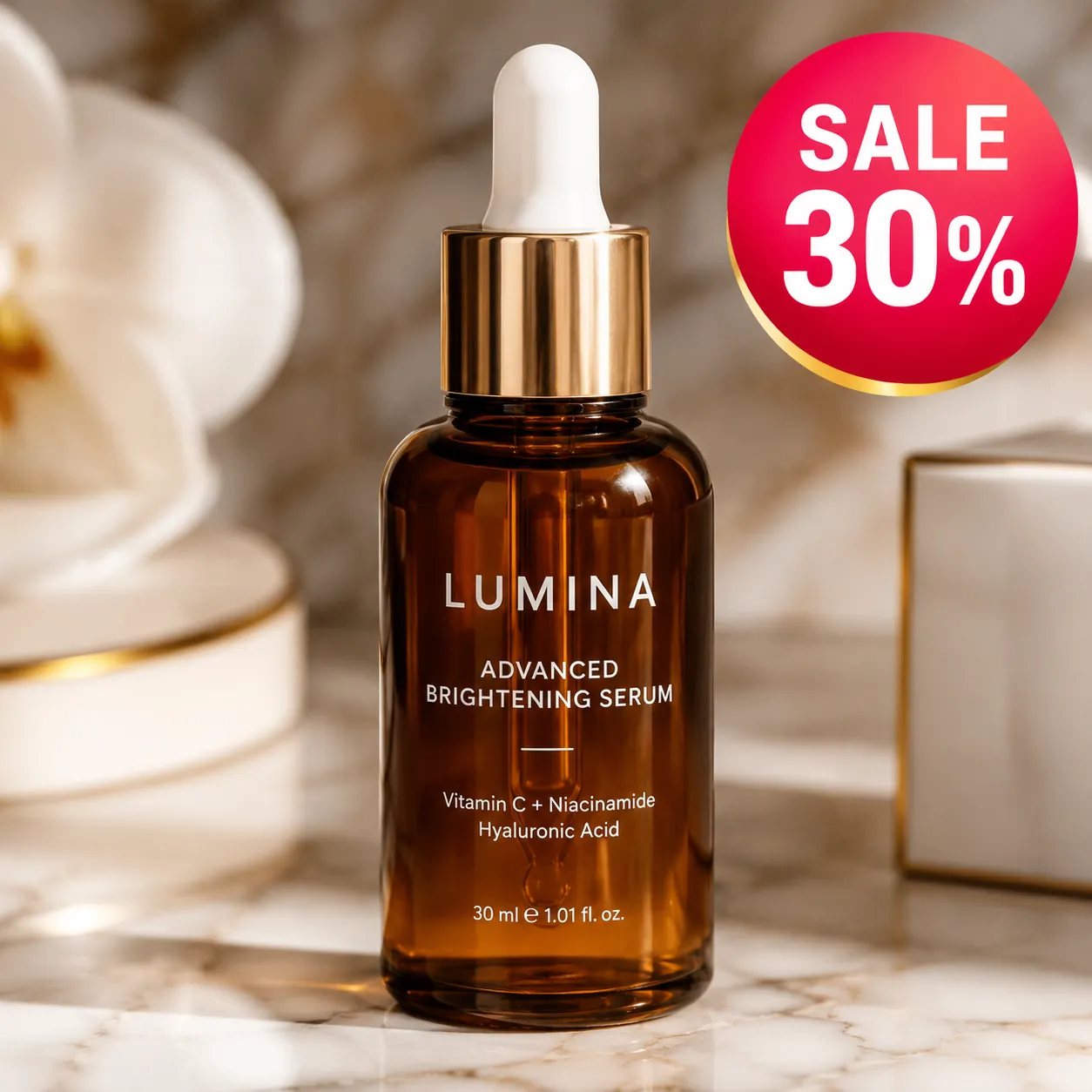
Drop headlines, prices, and badges directly into your ad creative with GPT Image 2. Text rendering on images stays crisp at every aspect ratio, so a GPT Image 2 marketing image ai output ships from prompt to ad set without a Photoshop round-trip for typography fixes.
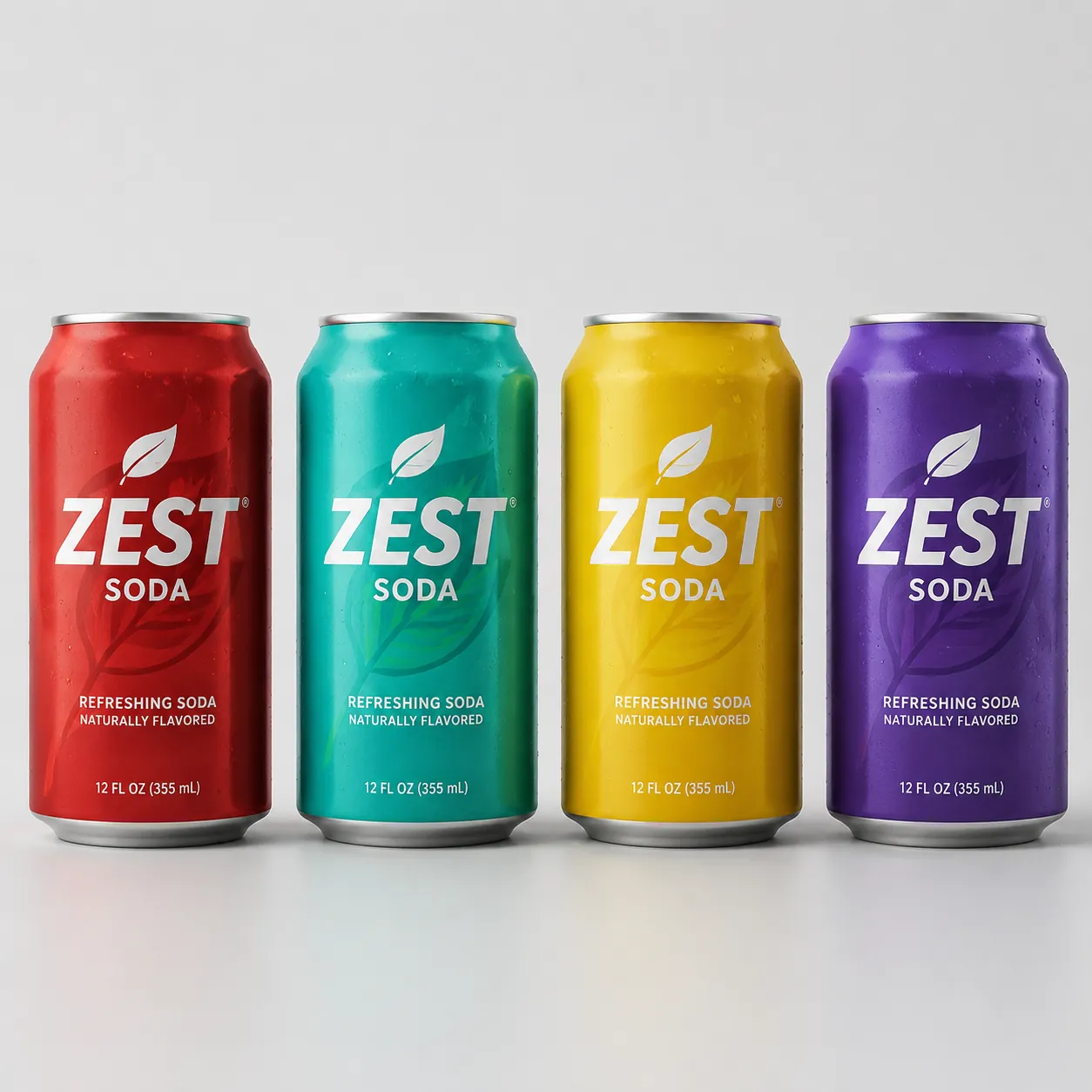
Pixel-level product photo editing
Recolor a can, swap a label, change the background — GPT Image 2 edits a product photo ai pixel by pixel while keeping the rest of the shot identical. Small teams use OpenAI GPT Image 2 to turn one hero product photo into a full colorway lineup with no re-shoot.
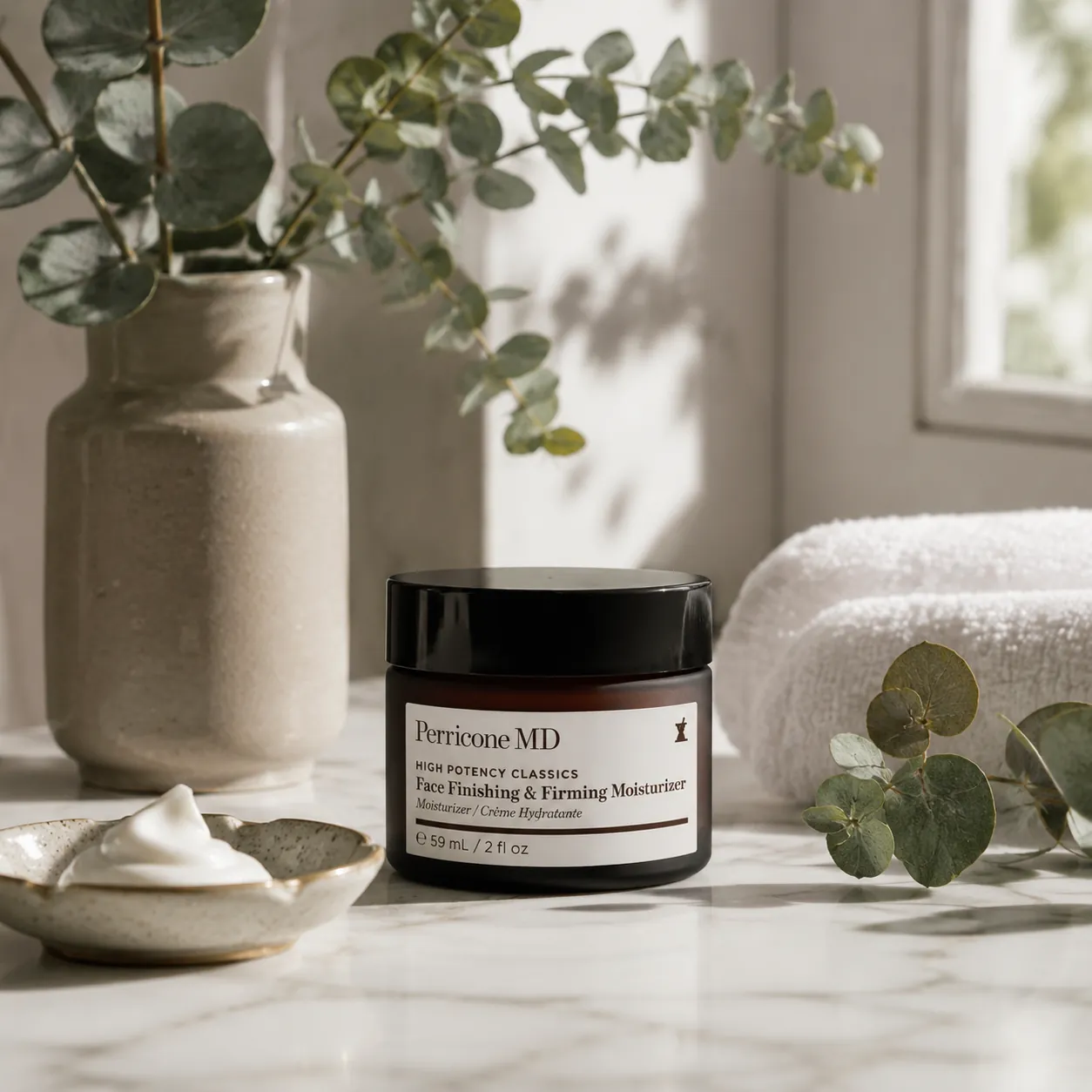
World-knowledge realism for product shots
GPT Image 2 renders materials, light, and scenes that feel photographed. Product listings, landing pages, and ad creative ai made with GPT Image 2 read as real product photography — not generic AI art — so visitors trust the shot and click through.
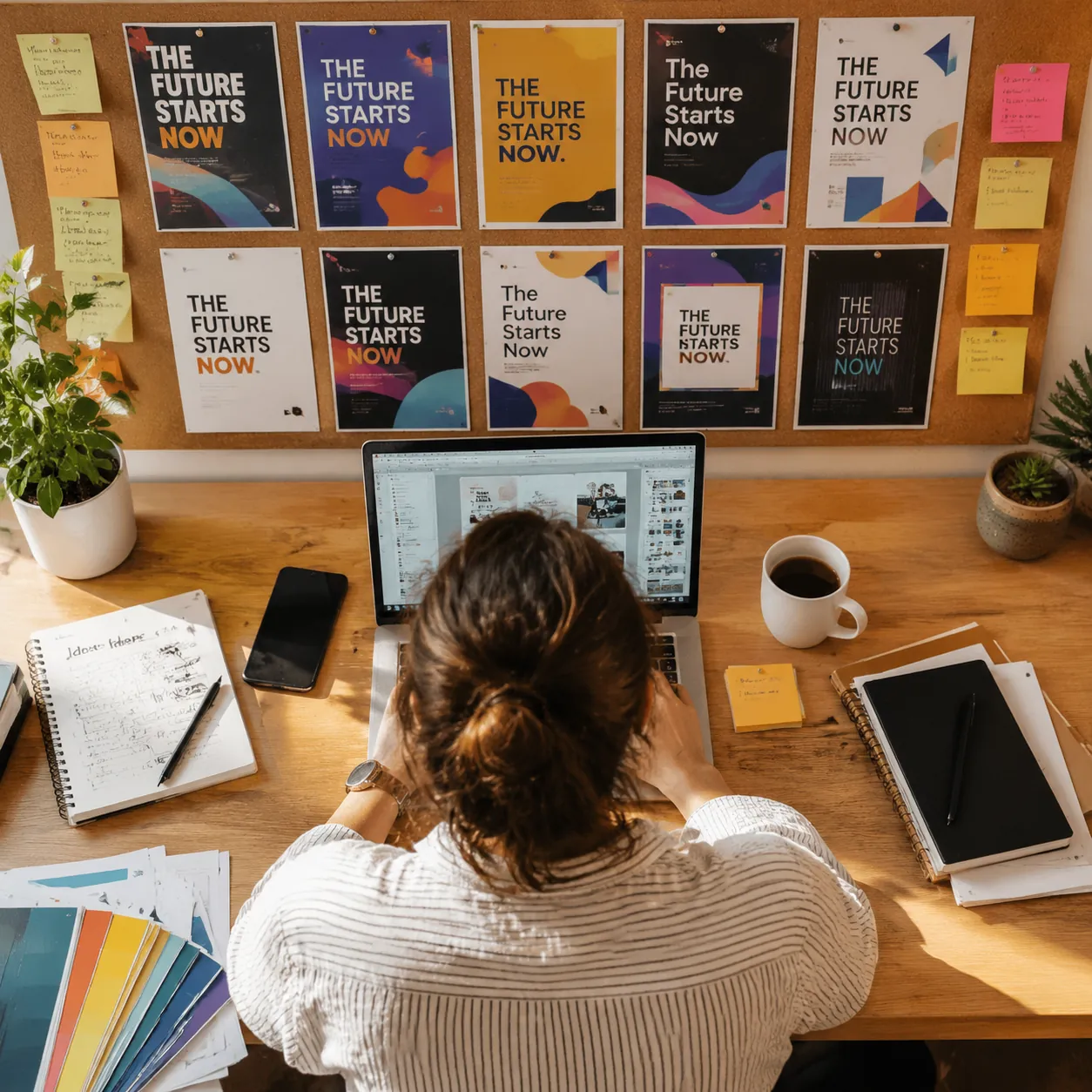
Fast ~3 second output for daily campaigns
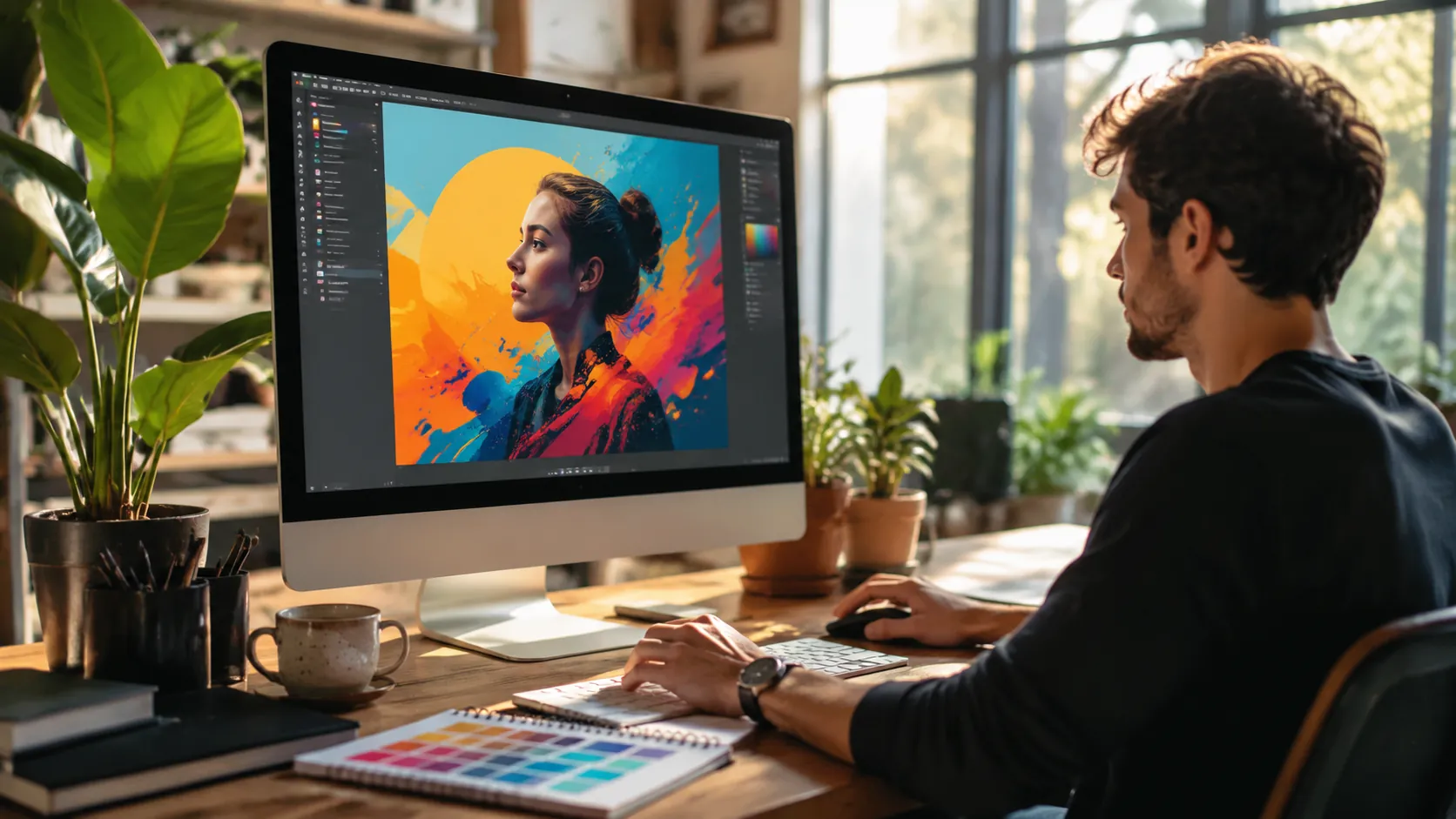
Spin up dozens of creative variants in one session. GPT Image 2 outputs in about 3 seconds, so a one-person marketing team can A/B test layouts, offers, and audiences and run a full campaign on a single afternoon inside OmniVideo with GPT Image 2.
How to Use GPT Image 2
Describe your marketing visual
Type the product, scene, mood, and any on-image copy you want GPT Image 2 to render. Add color, layout, and typography cues — the more specific your prompt, the more on-brand the GPT Image 2 marketing image ai output.
Pick aspect ratio or upload a reference
Choose 1:1 for feed posts, 9:16 for stories and reels, or 16:9 for banners. Or upload an existing product photo so GPT Image 2 runs pixel-level edits on your real shot instead of generating from scratch.
Generate and publish
Review the ~3 second GPT Image 2 output, tighten the prompt if needed, then export the final image straight to your ad set, product listing, social post, or landing page.
Frequently Asked Questions about GPT Image 2
What is GPT Image 2 best used for?
GPT Image 2 is OpenAI's marketing image ai — built for ad creative ai, product photo ai shots, social posts, packaging mockups, and landing page visuals. On OmniVideo, GPT Image 2 pairs with Sora, Seedance, Veo, and Nano Banana so you can assemble a full image-plus-video campaign in one workspace.
Can GPT Image 2 edit a product photo I already have?
Yes. Upload your product shot to GPT Image 2, describe the change in plain English, and GPT Image 2 performs pixel-level product photo ai edits — new background, different colorway, fresh label — while the product itself stays identical. It is the fastest way to turn a single hero shot into a full variant set.
How fast does GPT Image 2 generate an image?
GPT Image 2 targets roughly 3 second output per image. That speed matters for marketing teams because GPT Image 2 lets one person iterate through campaign variants without breaking flow or waiting on long render queues.
Does GPT Image 2 handle text rendering on images?
Yes — text rendering on images is one of GPT Image 2's signature strengths. Headlines, price badges, call-outs, and multi-word product names stay readable and consistent, so GPT Image 2 output moves straight from generation to ad set with no typography rework.
Which aspect ratios does GPT Image 2 support?
GPT Image 2 supports 1:1, 4:3, 3:4, 16:9, and 9:16 aspect ratios. That covers every major ad placement, feed post, story, and reel from the same OpenAI GPT Image 2 prompt — no resizing detour needed.
Is OpenAI GPT Image 2 good for ad creative ai?
Yes. GPT Image 2 was tuned for ad creative ai workflows: clean text rendering on images, photo-real product shots, and fast variant turnaround. Marketers use GPT Image 2 on OmniVideo to ship full ad sets — image plus video — without juggling a stack of design tools.
Can GPT Image 2 produce multilingual marketing visuals?
Yes. GPT Image 2 handles prompts and in-image text across many languages, so localized ads and regional campaigns come out of a single GPT Image 2 workflow instead of a translation pipeline plus a designer round-trip.
Start Creating with GPT Image 2
Ship marketing visuals faster with GPT Image 2 on OmniVideo. OpenAI GPT Image 2 turns product descriptions and campaign briefs into publish-ready images in about 3 seconds — perfect for creators, e-commerce sellers, and small marketing teams who need polished visuals on deadline.